
8 Best Free Font Finder Tools to Detect Fonts from Any Image in 2026
Discover the top 8 free font finder tools that help you identify fonts from any image in 2026. From WhatTheFont to Aspose Font Detector, these tools leverage AI technology to make font identification faster, easier, and more accurate for designers and typographers alike.

Entering 2026, AI technology and image recognition have made the process of font identification faster and more accurate. Knowing the type of font from an image has become an essential need for graphic designers, brand strategists, and typographers. Whether it’s to reconstruct a logo, adjust visual identity, or simply figure out an attractive font you’ve come across on the internet, font finder tools can save time and reduce trial & error.
Why Use a Free Font Finder?
Typography plays an important role in design, branding, and user experience. However, identifying fonts from an image or website can be tricky. This is where the usefulness of free font identification tools comes in, making your task easier. This article allows you to upload an image or use a browser extension to detect and suggest the matching fonts, helping you save time and improve your creative process.
8 Free Font Finder Tools
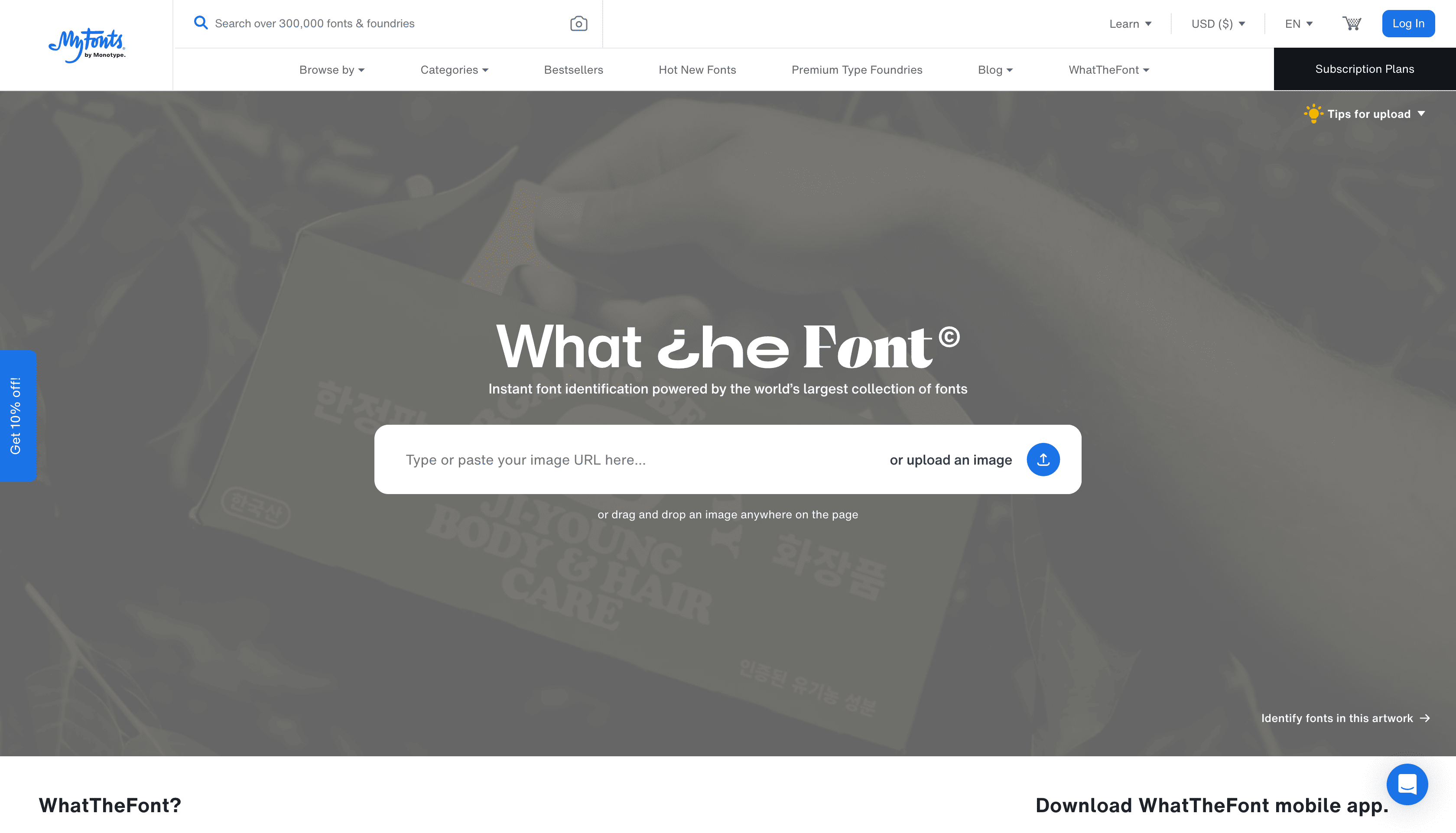
What The Font (MyFonts) WhatTheFont is one of the most popular and accurate font recognition tools. Simply upload an image with the text you want to identify, and it will provide a list of fonts that resemble the font in the image. This tool is known for its accuracy and vast font database. WhatTheFont also provides detailed information about each font, including its type and where to download it.
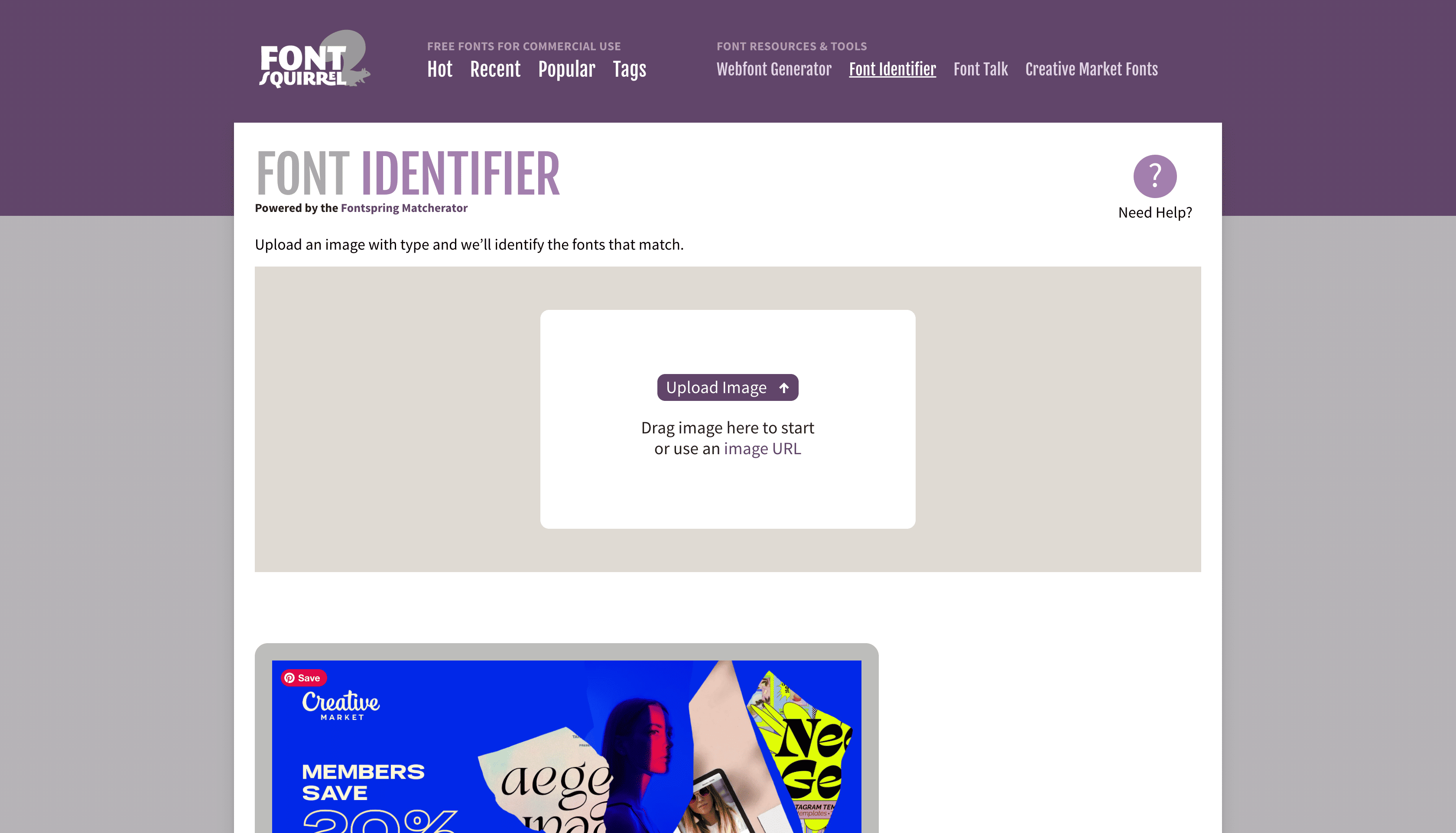
Font Squirrel Matcherator Font Squirrel Matcherator is a top-notch free tool that allows you to upload an image to identify the font. It works well with various fonts, including both free and commercial fonts. Font Squirrel Matcherator also offers powerful matching capabilities and even detects OpenType features.
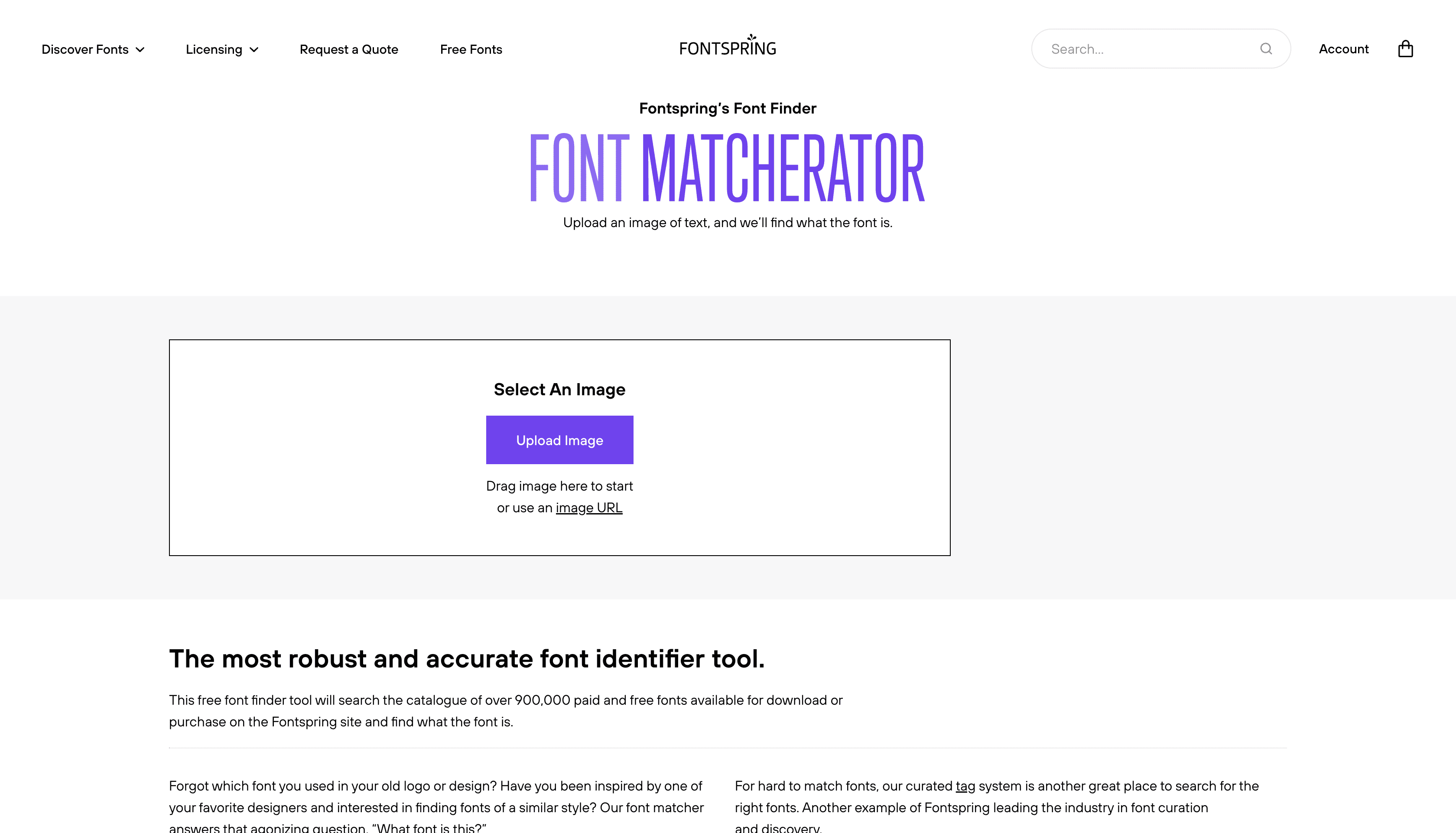
Fontspring Matcherator Fontspring offers a tool similar to Font Squirrel but with a clean UI and accurate results. Fontspring Matcherator is known for its ability to identify fonts in images. It analyzes the uploaded image and suggests the closest matching fonts, providing clear licensing information.
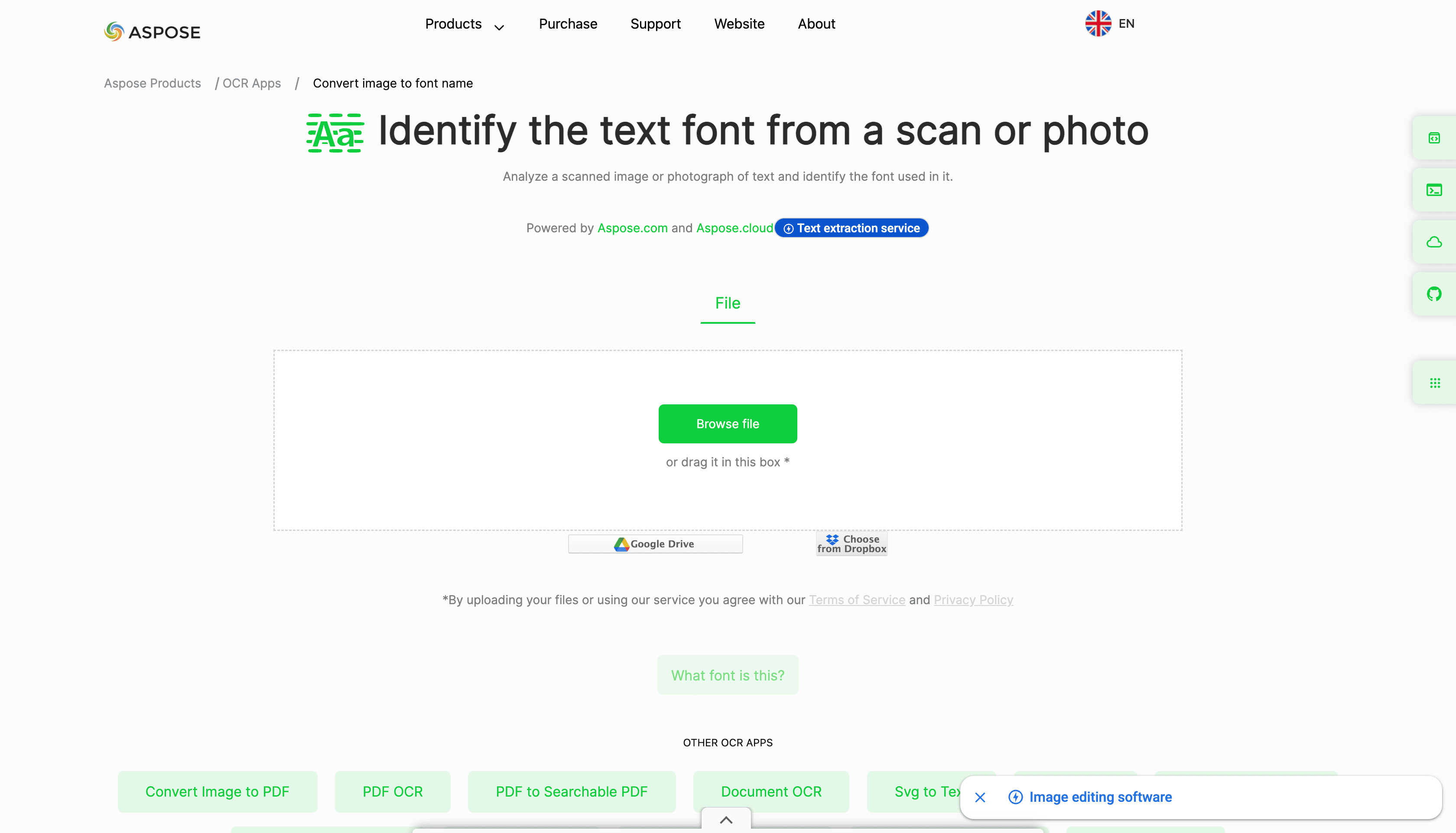
Aspose Font Detector Aspose Font Detector is a free online application that lets you identify fonts used in scans, photos, sketches, or images, even if you don't have the original source of the image. Aspose Font Detector is specifically designed for font recognition and can detect a wide range of fonts, providing fast and accurate results. This tool works on any device, including mobile phones.
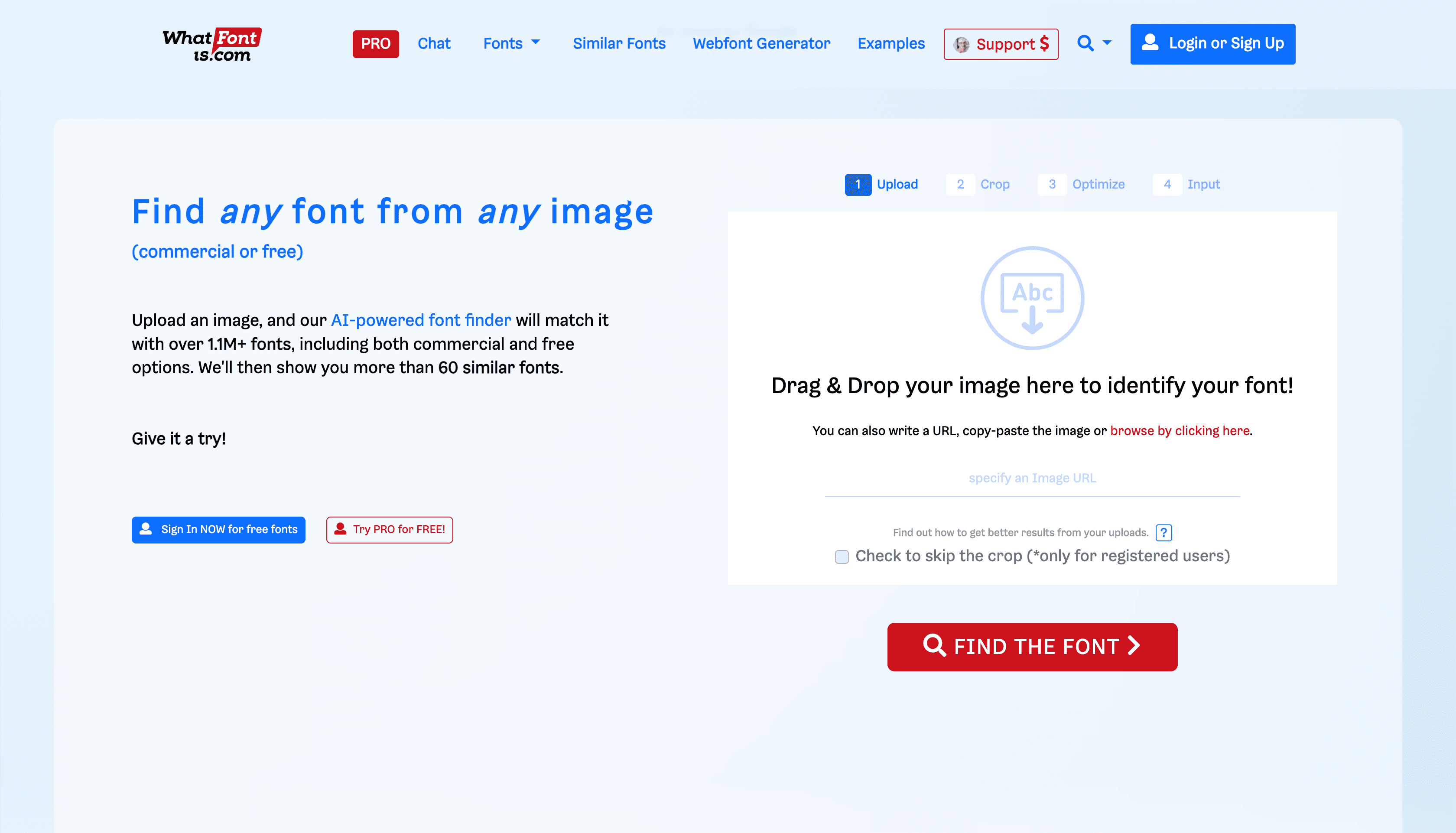
What Font Is What FontI s offers a font search engine with an extensive collection, as well as alternatives if the original font cannot be found. The tool has a very comprehensive font collection and supports both image uploads and URLs. WhatFontIs also offers suggestions for both free and paid fonts based on the image. Although it includes premium features, its free version works well.
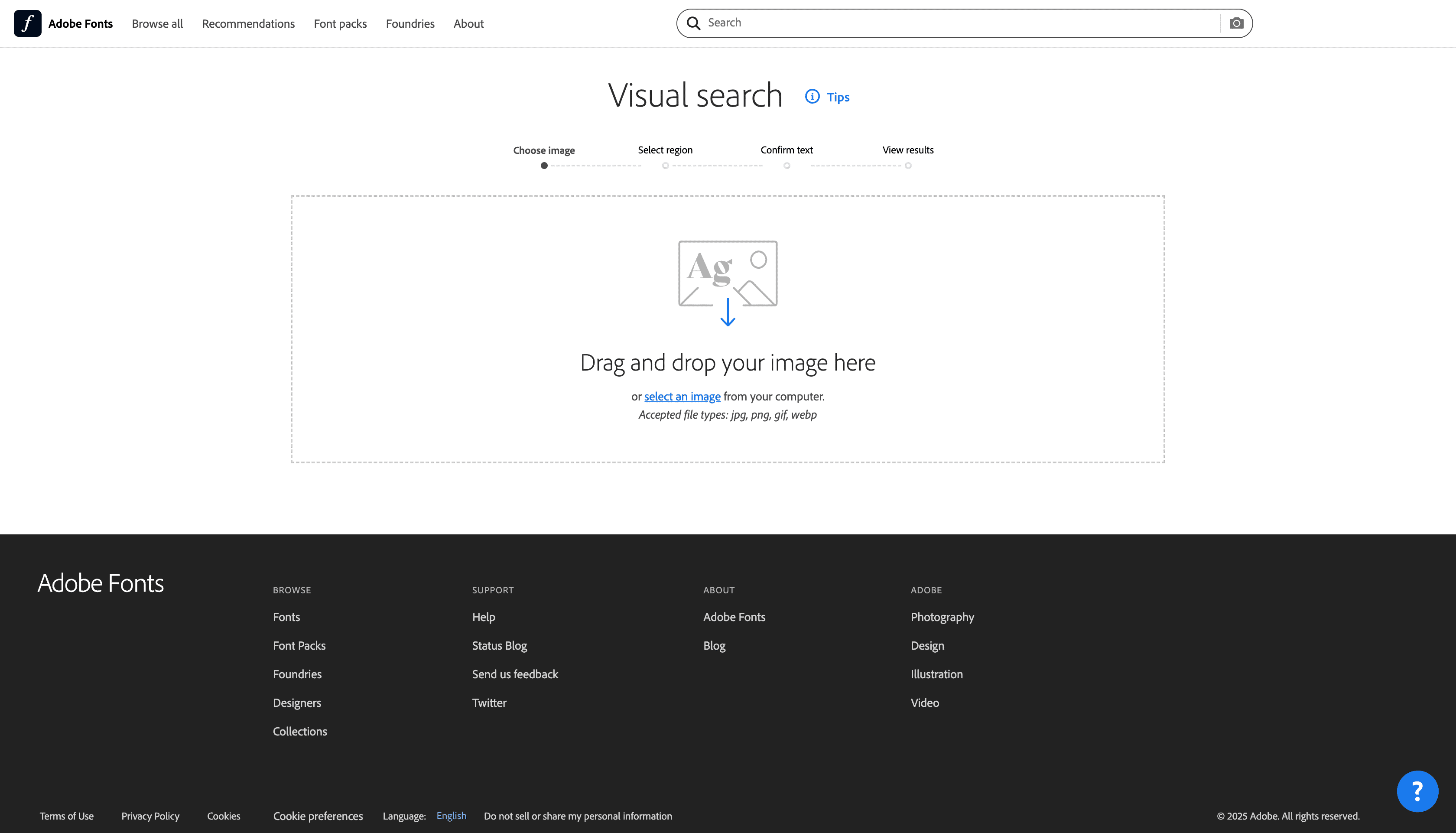
Adobe Fonts Visual Search Adobe Fonts can help you find the font you need easily. You can find your desired font through visual search by uploading an image. Adobe Fonts provides visual font search integrated directly into the Creative Cloud ecosystem.
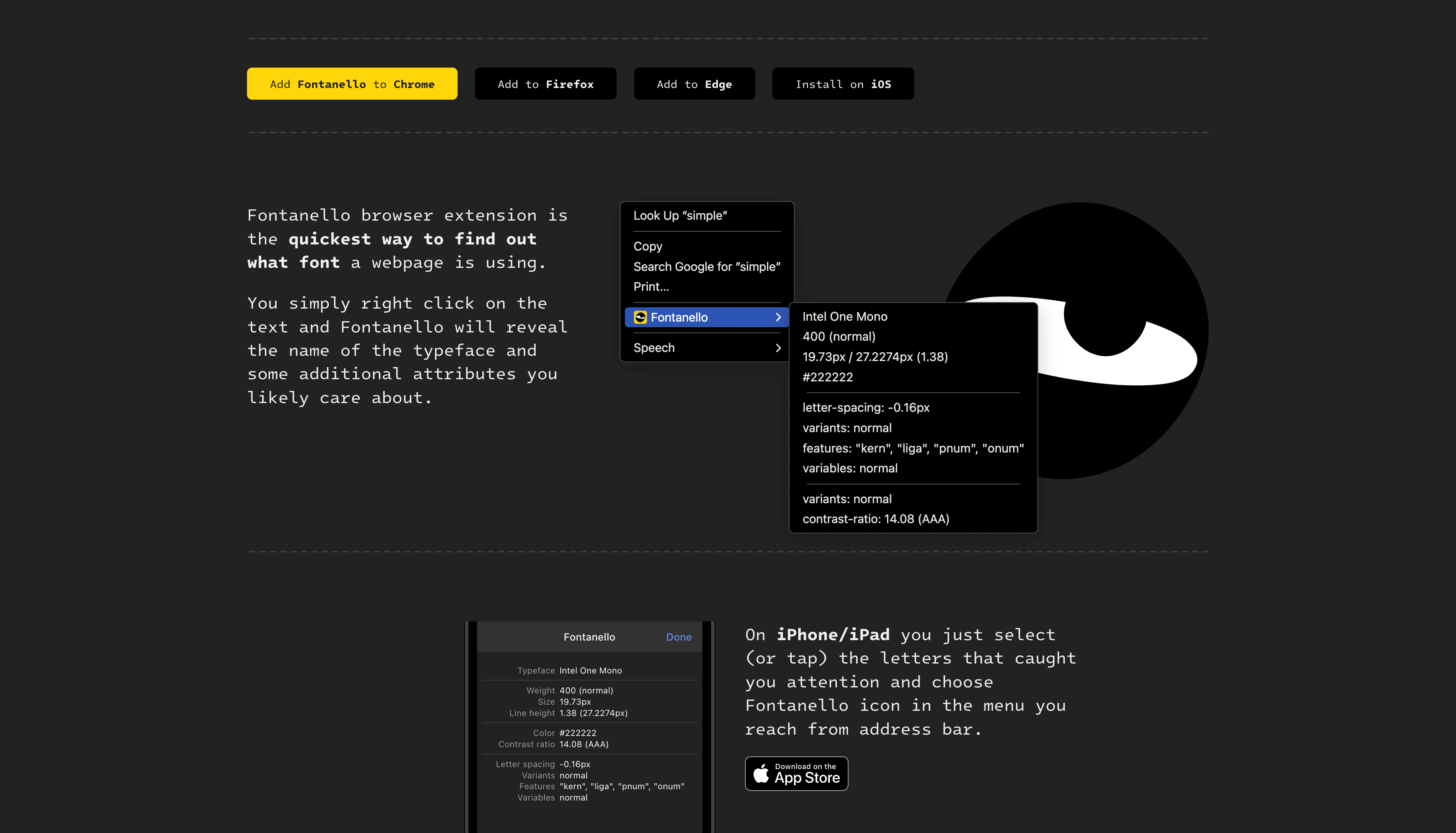
Fontanello Fontanello is a free tool for identifying fonts used on webpages. Fontanello can be used in Google Chrome, Mozilla Firefox, Microsoft Edge, and iOS. After installing the extension, whenever you right-click on text, you’ll see the basic typography style used, including font weight, size, color, and other properties.
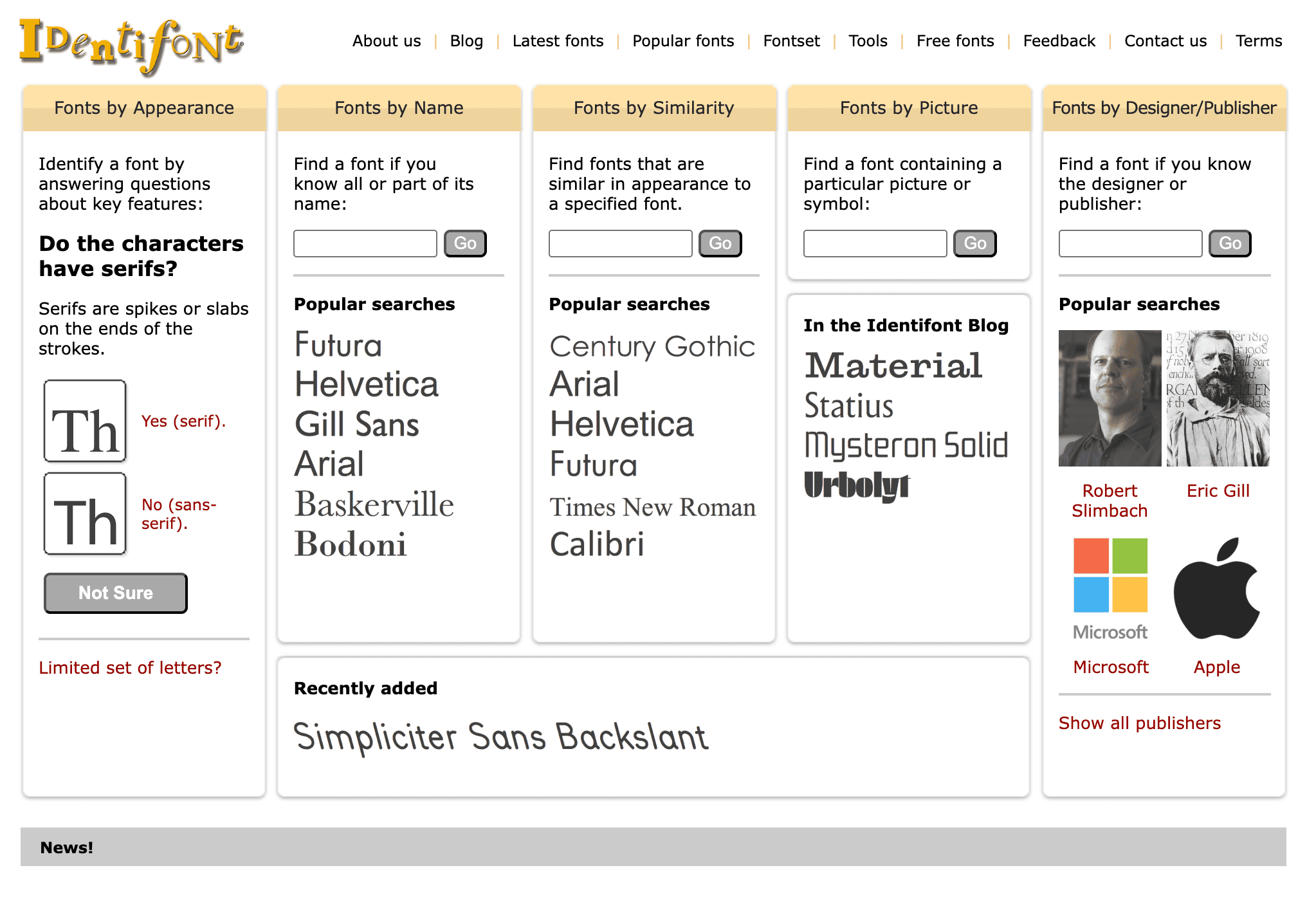
Identifont Launched in November 2000, Identifont provides a tool for designers to identify fonts or choose the best font for their projects. Since then, Identifont has grown into the largest independent online font directory. This tool offers a different approach by asking a series of questions about the font you want to identify, rather than requiring you to upload an image. It's very useful when you don’t have an image but can describe the font's features.
Tips for Using Font Finder Tools
Choose Clear, High-Quality Images
For more accurate results, ensure the uploaded image is high-quality. Avoid blurry or blurry images, as this will make it difficult for the font detection tool to clearly recognize the characters.
Use Text with Clear Contras
Ensure the text in the image has sufficient contrast with the background. White text on a dark background, or vice versa, will be more easily recognized by the font detection tool.
Try Multiple Tools
If one tool doesn't produce satisfactory results, try using several different font detection tools. Each tool has a different font database, so it's possible that one tool may detect a font that another can't.
Check the Font License
After identifying a font, be sure to check its license, especially if the font will be used in a commercial project. Some fonts may have licenses that restrict their use.
Adjust to Design Need
If the detected font isn't exactly the one you're looking for, consider choosing a similar font. Many tools, such as What Font Is, provide alternative font suggestions that can be tailored to your design style.
With the advancement of technology, it's easier than ever to find the right font just by uploading an image. The font detection tools we've discussed above offer fast and accurate solutions to identify fonts from images, whether for personal or professional design purposes. By choosing the tool that best fits your needs, you can save time and improve efficiency in your design projects.